From the office to the jobsite
You build the project.
We work on the paperwork.
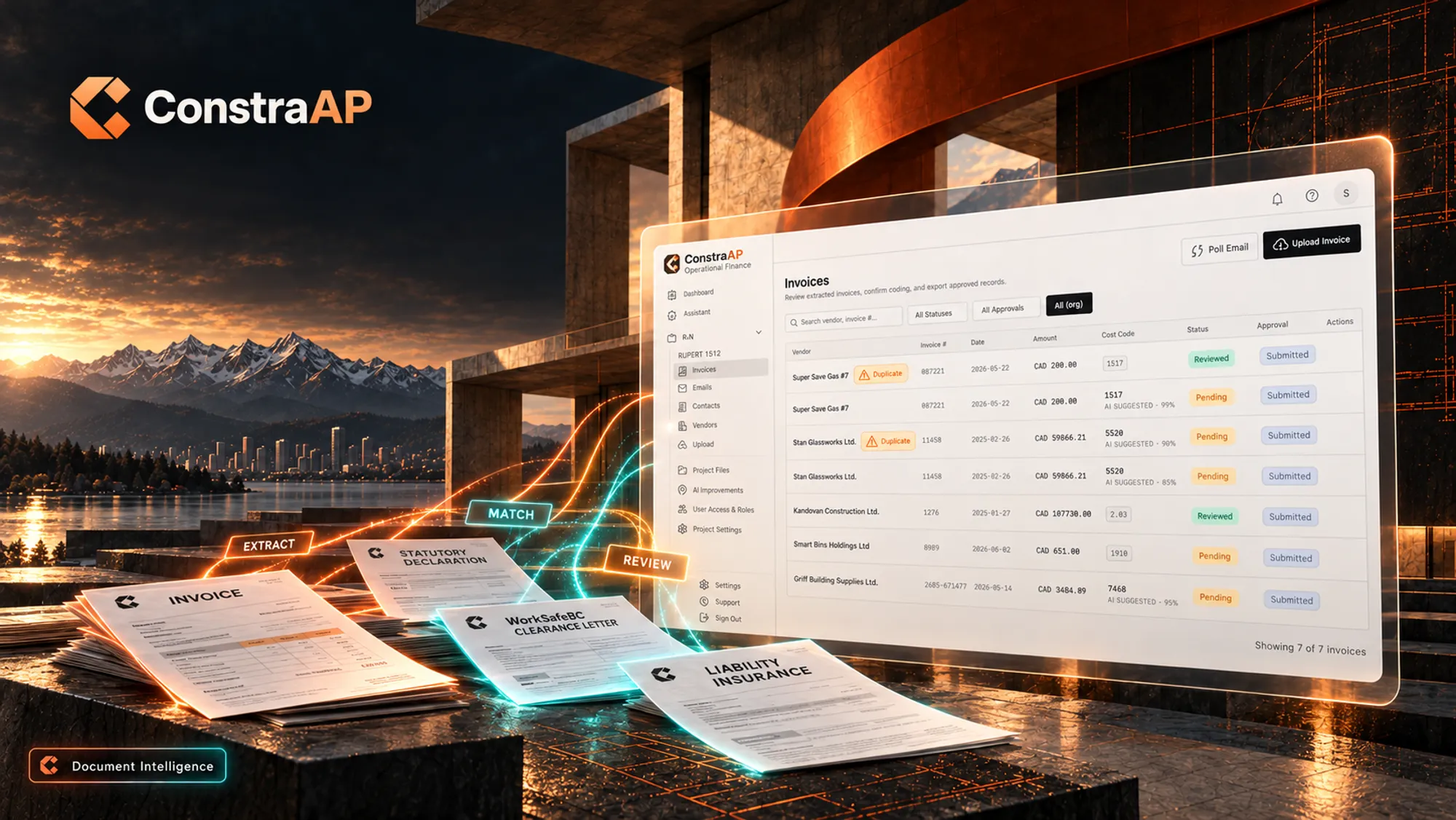
01ConstraAP / Document intelligence
From the invoice.
To your approval.
An invoice arrives. The details are read, the supporting documents are matched, and your team gets a package ready to review.
Explore ConstraAPSee the product screen
- 01Upload invoice
- 02AI extracts & matches
- 03Your team reviews
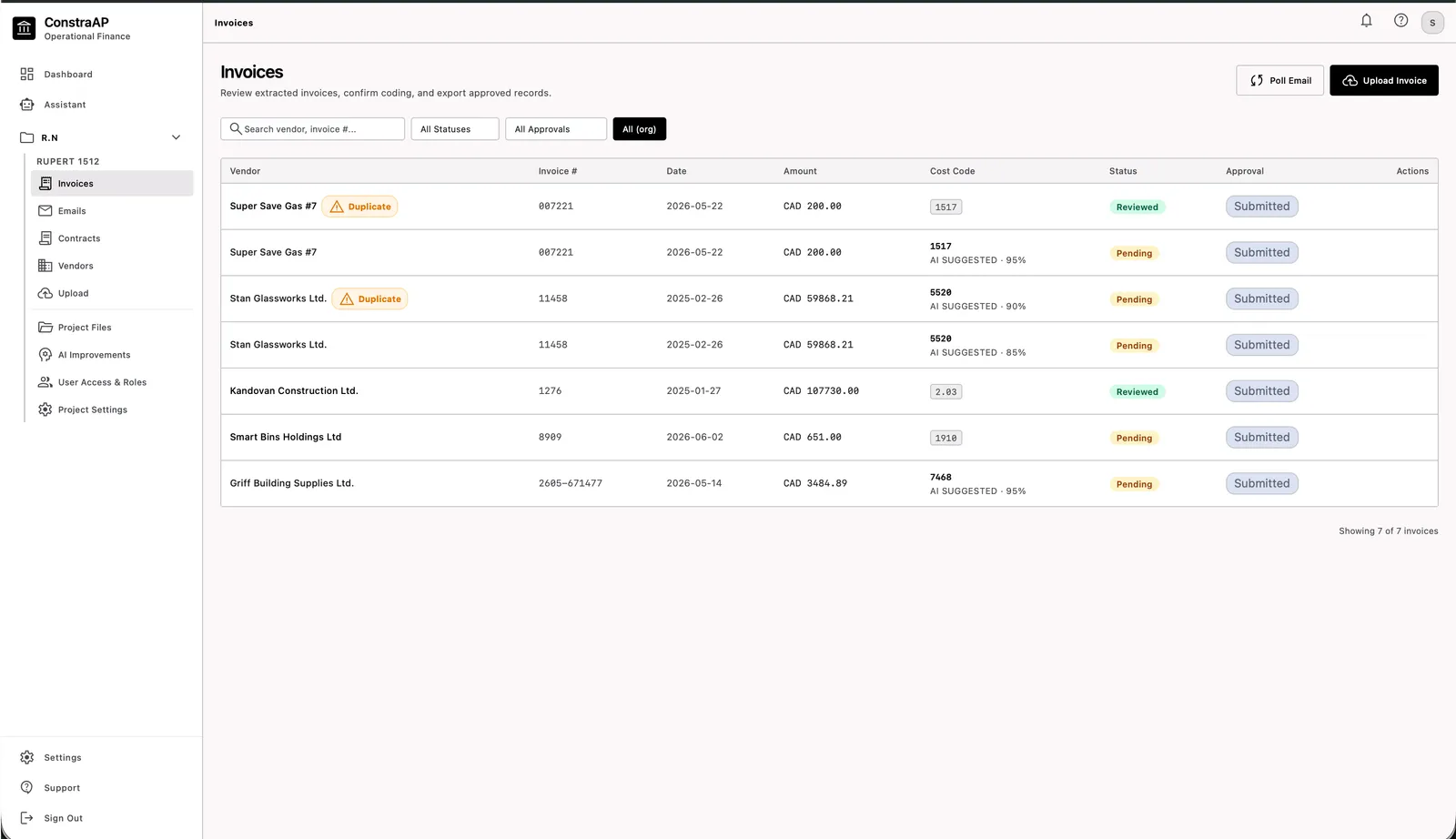
Extracted fields and flagged checks, ready for a person to review.
A closer look.
A clearer next step.
From the whole building down to one detail: capture an issue, then put the next step in motion.
Explore Punch List Punch List
02Punch List & Tasks / Site intelligence
Walk the site.
Move the work forward.
Take the photo. Review the detected issues. Assign the next step to the right trade and follow it through to close-out.
Explore Punch ListDetect. Assign. Follow through.Example
 Illustrative image
Patch and finish the damaged wall.
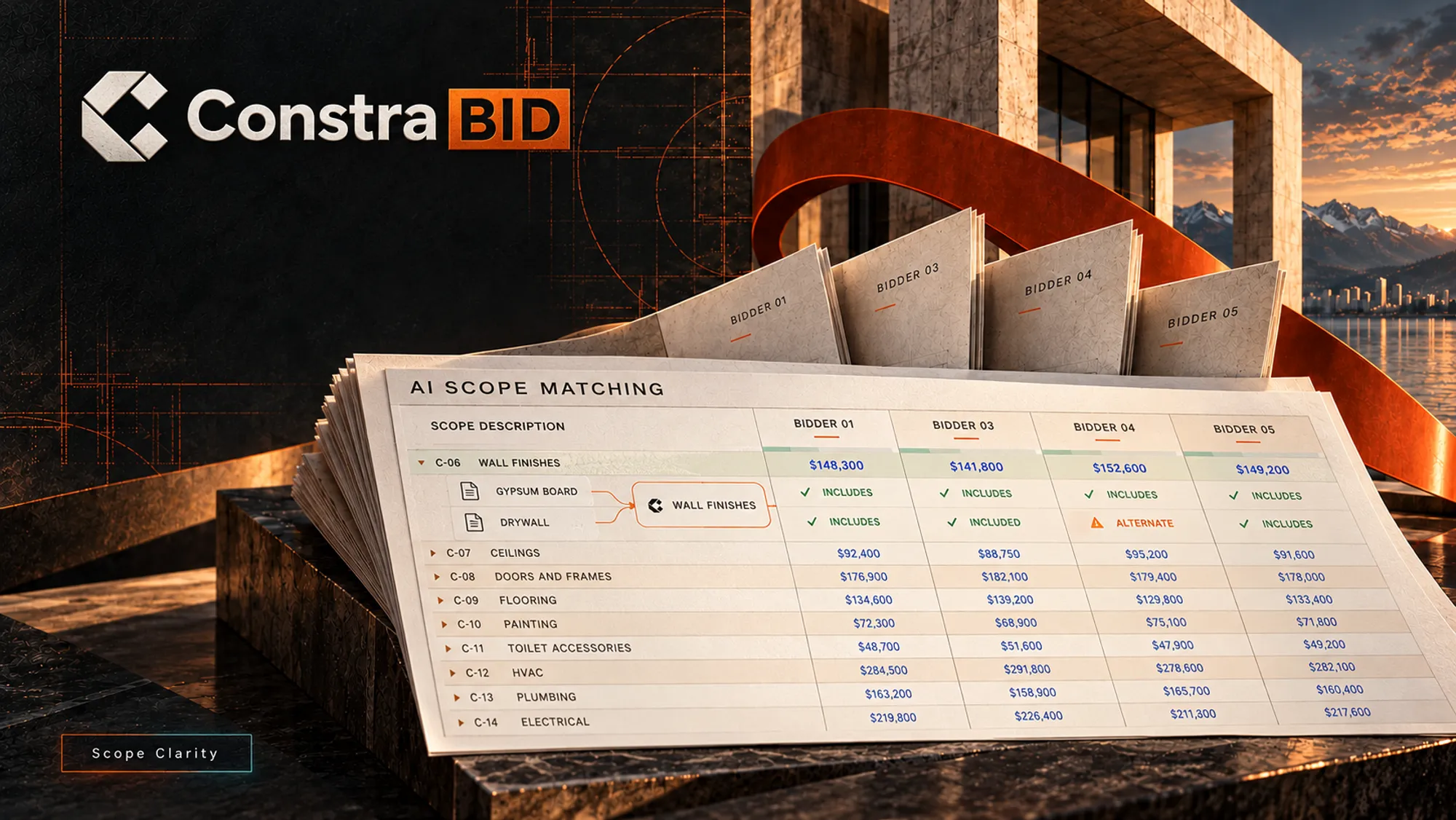
03ConstraBid / Scope clarity
Different bids.
One clear comparison.
Gypsum board. Drywall. Wall finishes. Three ways to describe the work — brought into one comparison, so you can see what’s included.
Explore ConstraBidDifferent words, aligned scopeExample
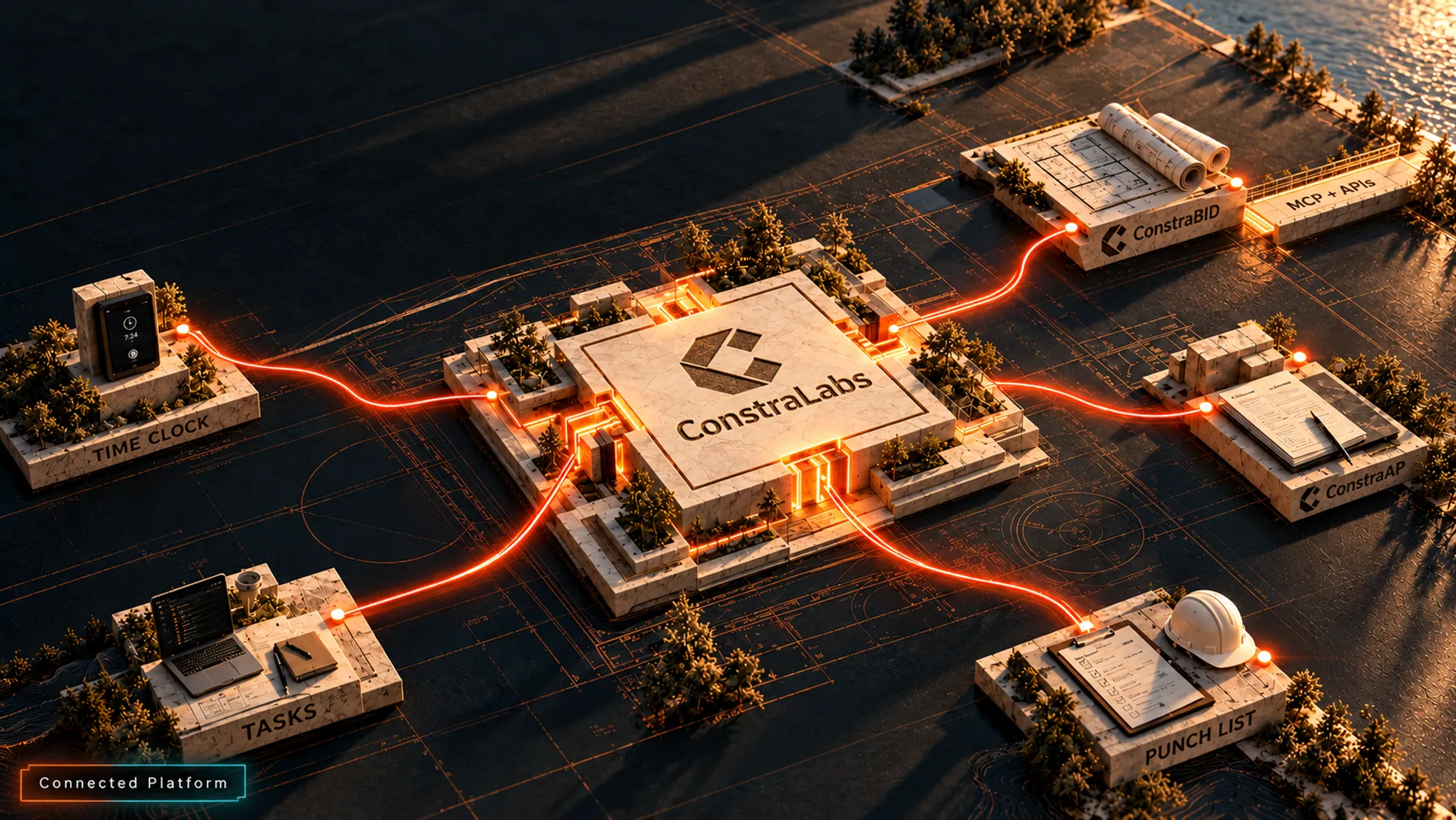
04The connected platform
Your tools.
A connected project.
Invoices, photos, bids and site hours belong to the same project. MCP and APIs connect the tools your team already uses.
Explore the platformOne connected projectExample
AI Time Clock: hours against the budget
Site hours update the project budget so the people approving costs see a current picture.
 Our Clients

Built together in British Columbia
Real projects.
The teams behind them.
Software and custom development with AREVA Living Inc., TPL Development Rupert North and ACE Brand Ltd.
Meet the teamsGetting started
Start with one project.
Build from there.
A typical first week, shaped around your team. Custom development is scoped separately.
- Day 1
Demo & scope
Walk through your paperwork and choose a project.
- Day 2
Set up
Load vendors, trades and document types. Map connections.
- Day 3
Real documents
Review your first invoices and site photos together.
- Day 4
Fine-tune
Adjust fields, issue labels and bid scopes to your workflow.
- Day 5
Your team takes over
Run the review yourself, with our team on the line.
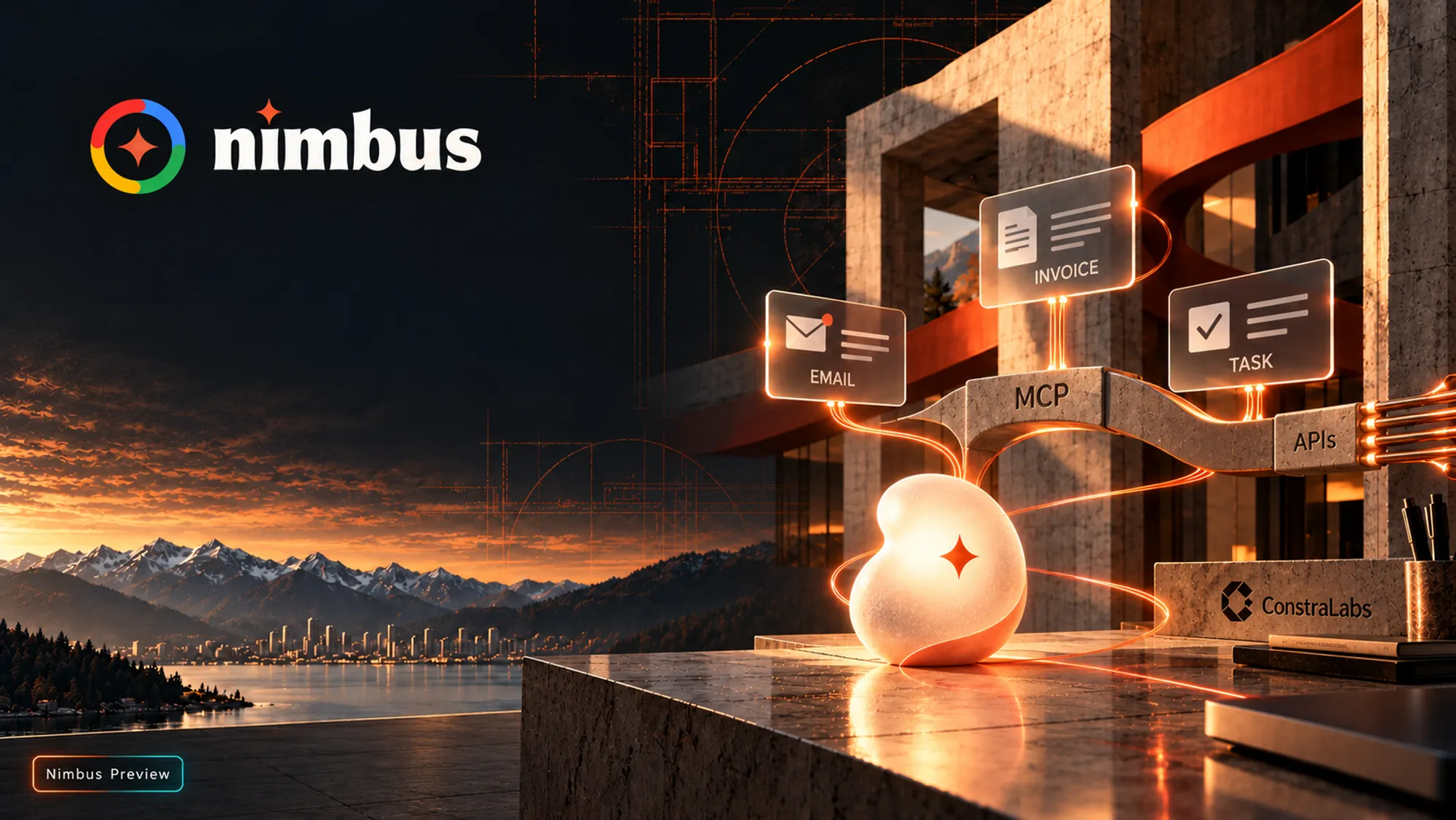
05Nimbus / In development
Your tools.
One AI companion.
Designed to bring invoices, email and tasks into one connected flow. Nimbus is in development.
Meet Nimbus Project Accounts
One project account
CAD 899/ month
Per independent project account. Current price includes about 40% discount. Custom development is additional.
See what’s includedWhat is ConstraLabs?
ConstraLabs builds AI software for construction teams in British Columbia: invoice and document review (ConstraAP), site-photo issue detection (Punch List & Tasks), and bid leveling (ConstraBid).
Which construction teams is it for?
General contractors and developers in Vancouver and Victoria who run several active projects.
Does the AI make decisions?
No. AI checks and aligns. Your team approves.
 Built Together
Built for the way
construction works.
Good work starts
with a conversation.
Bring an invoice, a bid package or a few site photos. We’ll walk through what your team could do with them.